

Table of contents
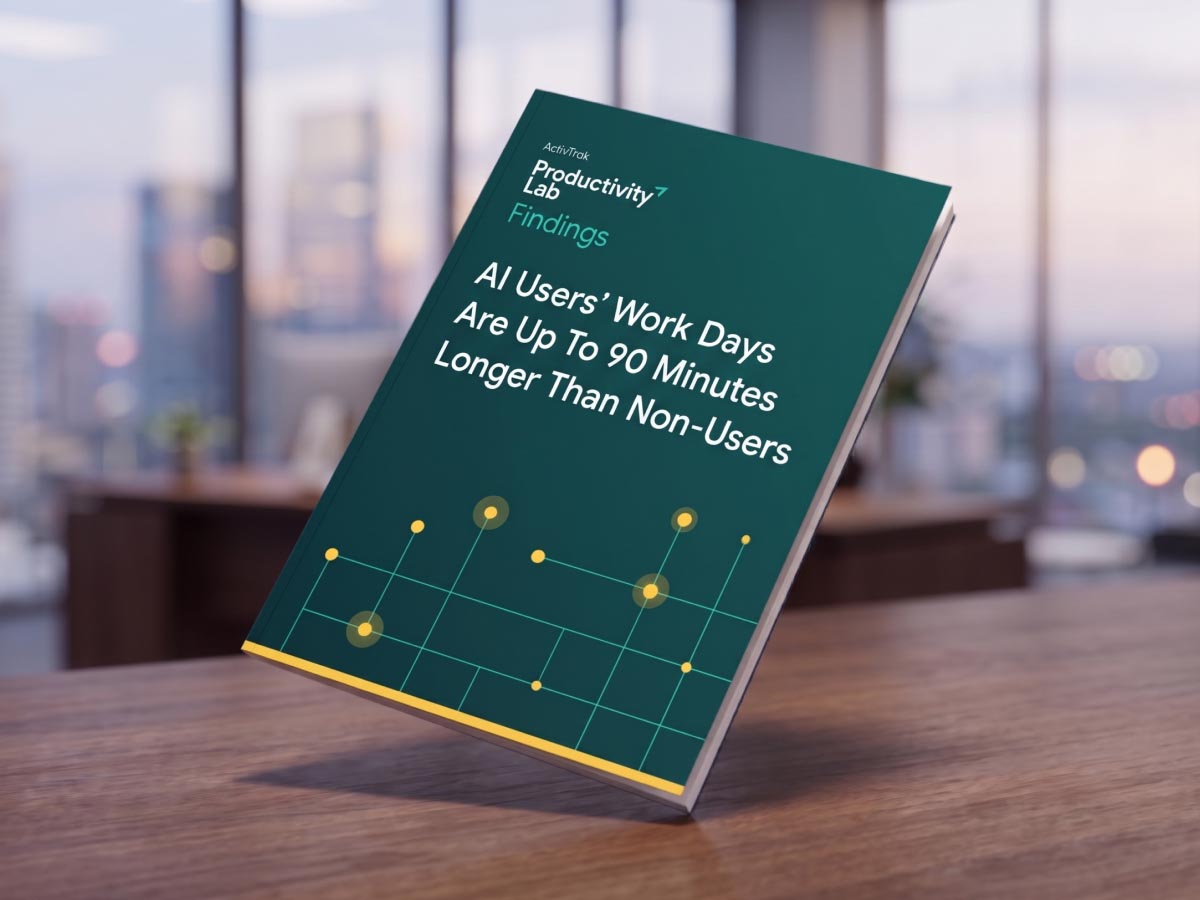
- 1. AI users have workdays up to 90 minutes longer than non-users.
- 2. Heavy AI users have 22% less focus time.
- 3. Browser-based AI creates a hidden "swivel-chair tax."
- 4. AI's impact varies significantly by job role.
- 5. Heavy AI users spend more time working after hours.
- Why integrating AI into workflows matters more than usage alone
- The next phase of AI productivity is about improving work, not increasing usage.
- Ready to understand AI's real impact on your workforce?
New research from the ActivTrak Productivity Lab reveals a surprising AI productivity paradox. While organizations invest in AI to improve efficiency, employees who use it most heavily are actually working longer hours. They also switch between applications more frequently and spend less time on uninterrupted work compared to light AI users.
The findings are based on behavioral work data from 9,140 knowledge workers across 467 enterprises between April 1 and September 25, 2026.
Unlike surveys or self-reported productivity estimates, the Productivity Lab examined actual digital work patterns to understand how AI usage relates to workday length, focus, application switching and workflow efficiency. The research revealed five key findings for enterprise leaders.
Key takeaways:
- AI users have workdays up to 90 minutes longer than non-users and light users, raising questions about whether AI efficiency gains are reducing workloads or increasing output expectations.
- Heavy AI users experience 22% shorter focus sessions than light users, suggesting frequent AI interactions may contribute to fragmented work.
- Browser-based AI tools introduce a hidden productivity cost, with users switching applications up to four times more frequently than non-AI users.
- AI’s impact varies by job role, with software engineers experiencing fewer interruptions than operations managers who rely on coordination-heavy workflows.
- Realizing AI’s full productivity potential requires leaders to look beyond adoption to integrate AI into existing workflows.
1. AI users have workdays up to 90 minutes longer than non-users.
One of AI’s biggest promises is to give employees time back, but the latest Productivity Lab findings suggest those time savings don’t necessarily translate into shorter workdays.
Employees who use AI work 8.42 to 9.08 hours a day, compared with 7.58 hours among employees who don’t use AI. That’s a difference of up to 90 minutes per day, even though heavy AI users spend less time in meetings — 3% of their active work time goes to meetings, compared to 5% for non-AI users.
While AI may help employees complete individual tasks faster or resolve issues that previously required meetings, these findings may suggest employees use the additional capacity to take on more tasks.
2. Heavy AI users have 22% less focus time.
Teams use AI tools to reduce effort and accelerate problem-solving, but frequent AI interactions may introduce another form of workplace distraction. The Productivity Lab found a notable difference in continuous focus between employees who use AI sparingly and those who use it heavily.
Light AI users, who spend less than 10 minutes per day using AI, average 48.2 minutes of uninterrupted focus per session. Heavy AI users, who spend more than 45 minutes using AI across at least five daily sessions, average 37.8 minutes per focus session.
That’s a difference of 10.4 minutes, or approximately 22% less uninterrupted focus time. Heavy users also switch applications 15.2% more frequently than non-AI users, averaging 1.09 switches per hour compared with 0.95. Over time, those interruptions add friction to high-value work that requires concentration, critical thinking and sustained attention.
Interestingly, light AI users spend 81.4% of their active work time in core job-specific applications, compared with 78% for heavy users. In other words, more frequent AI engagement doesn’t necessarily translate into more focused work.
3. Browser-based AI creates a hidden “swivel-chair tax.”
One of the clearest findings from the research is the difference between AI embedded directly into applications vs. standalone AI tools accessed through a web browser.
Employees using embedded AI average 0.6 application switches per hour. In contrast, those using browser-based AI average between 1.7 and 4.2 switches per hour. At the upper end, that’s more than four times the switching rate observed among employees who don’t use AI.
This creates what the ActivTrak Productivity Lab describes as the “swivel-chair tax” — the additional effort employees spend moving between separate systems to complete a task. When an AI assistant operates directly inside an employee’s primary software, employees spend less time moving between tools and more time performing their core responsibilities.
4. AI’s impact varies significantly by job role.
Productivity Lab research also shows how AI experiences differ across job functions. Technical employees, who are more likely to work with AI embedded in their primary applications, demonstrate markedly different work patterns from employees in coordination-heavy roles.
Software engineers, who are more likely to use embedded AI tools:
- Average 0.64 application switches per hour
- Spend 78.5% of active work time in core coding tools
- Complete 16.8% of their work during evening hours
Operations managers, who are more likely to rely on browser-based AI tools:
- Spend 75.5% of active work time in core applications
- Average 1.1 application switches per hour, increasing to 4.1 during heavy coordination
- Complete 30.5% of their work during evening hours.
The distinction reflects differences in how work happens. Software engineers often use embedded AI assistants, getting suggestions and generating code without leaving their primary workspace. Operations managers frequently coordinate work across multiple platforms, teams and approval processes. Even when AI accelerates individual tasks, these employees still need to transfer information, communicate with stakeholders and manage dependencies.
The result is two very different AI experiences for two different teams.
5. Heavy AI users spend more time working after hours.
The Productivity Lab found heavy AI users complete 32.3% of their active work after hours, compared with 31.9% for non-AI users.
Those percentages are nearly identical. But because AI users have longer workday spans, the research associates heavy usage with an additional 18 minutes of after-hours work per day. This pattern points to what the research describes as the “third shift” of work extending beyond employees’ regular schedules.
The larger issue isn’t AI itself. It’s how organizations manage the additional capacity AI may create. When employees complete tasks faster, managers may assume they have room for more responsibilities. The research indicates a possibility that, without clear workload boundaries, time savings may get redirected into additional work instead of creating a healthier balance.
Why integrating AI into workflows matters more than usage alone
The latest Productivity Lab AI adoption research reinforces an important lesson from the AI Adoption Maturity 1H 2026 findings, which showed only 2% of workers have reached the stage of AI adoption maturity where AI is deeply integrated into workflows.
The new research adds another dimension to that challenge: AI usage is only part of the equation. Organizations also need to understand whether AI makes broader workflows more efficient.
For enterprise leaders, these findings highlight the need to shift from only measuring AI adoption to optimizing how AI fits into daily work. Turning AI investments into measurable productivity gains requires a closer look at technology integration, employee focus, workflow bottlenecks and workload capacity:
- Prioritize embedded AI over standalone tools. Evaluate how employees access AI across different roles and identify opportunities to integrate AI directly into the applications they already use. Reducing unnecessary app switching helps employees maintain focus and spend more time on core responsibilities.
- Encourage intentional AI usage to protect focus time. Establish guidelines that promote AI for specific tasks rather than constant interactions. Monitor focus sessions and application switching alongside AI usage to identify habits that improve efficiency without introducing additional distractions.
- Redesign workflows, not just individual tasks. Identify where AI accelerates work while stalling manual approvals, handoffs and disconnected systems. Streamline these processes to translate faster task completion into measurable improvements in end-to-end productivity.
- Set guardrails to prevent workday expansion. Track workday spans, after-hours activity and workload distribution to understand how AI changes employee capacity. Establish clear expectations for how efficiency gains are reinvested so increased output doesn’t automatically mean longer hours or greater burnout risk.
The next phase of AI productivity is about improving work, not increasing usage.
The latest Productivity Lab findings challenge a common assumption about enterprise AI. Giving employees access to more powerful tools doesn’t automatically create a more efficient organization. In some cases, heavy AI usage is associated with longer workdays, shorter periods of focus and more time moving between applications.
But the research also highlights a path forward.
Employees using AI embedded in their primary applications experience substantially less application switching. Teams with thoughtfully integrated tools have an opportunity to reduce manual work and preserve focus. And organizations that align AI investments with process improvements are better positioned to turn faster task execution into meaningful business outcomes.
The real measure of AI success isn’t how much more work employees do. It’s how much better work gets done.
Ready to understand AI’s real impact on your workforce?
ActivTrak’s work intelligence platform helps organizations measure AI usage, identify productivity bottlenecks and understand how technology changes daily work. With privacy-first workforce analytics, leaders gain visibility into work patterns, capacity and opportunities for workflow improvement.
Explore ActivTrak’s AI Insights or request a demo to see how work intelligence helps turn AI adoption into measurable business value.