

Show Hide Topic Menu

Webinars & Events
Top Tips to Configure ActivTrak Like a Pro
Classification, mouse-jiggler alarms, active/passive time, Calendar Integration and more
See what we covered
By submitting this form you consent to the processing of the personal data provided above in accordance with and as described in the Privacy statement
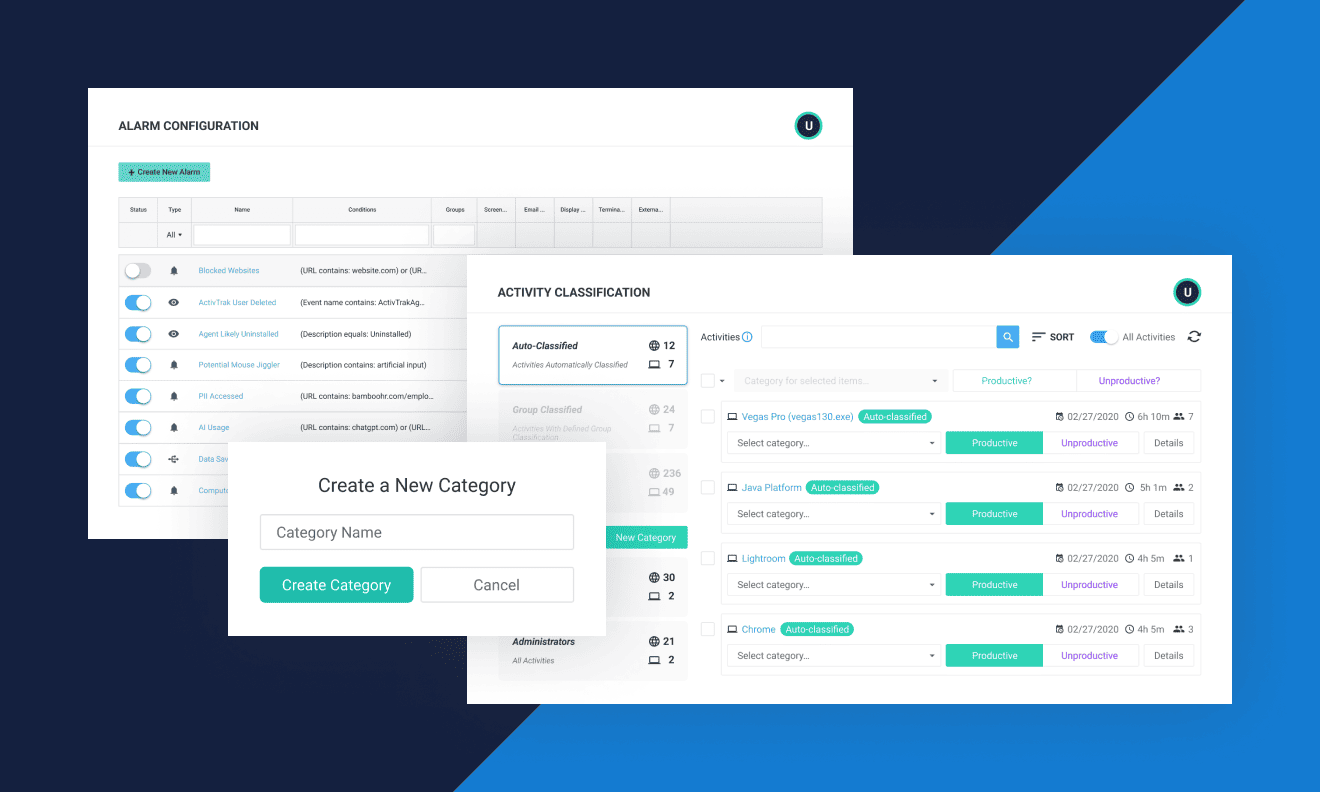
With so many powerful features in ActivTrak, how do you configure it to get the most out of it for your org? We’ve got you covered — with our top tips to set up and fine-tune ActivTrak to deliver the greatest value to your org.
Join our on-demand training— where we’ll show you how to:
- Customize account-level settings like Active/Passive Time and Active Day thresholds
- Classify activities automatically and set group and bulk categorizations
- Set up new mouse-jiggler alarms and our improved Risk Level Report
- Integrate your calendar for a full picture of productivity