


Configuration Tips: Advanced Reporting & Custom Dashboards
New Alarms, schedule adherence exception reports, automated email alerts, RTO policy adherence & more
See what we covered
By submitting this form you consent to the processing of the personal data provided above in accordance with and as described in the Privacy statement
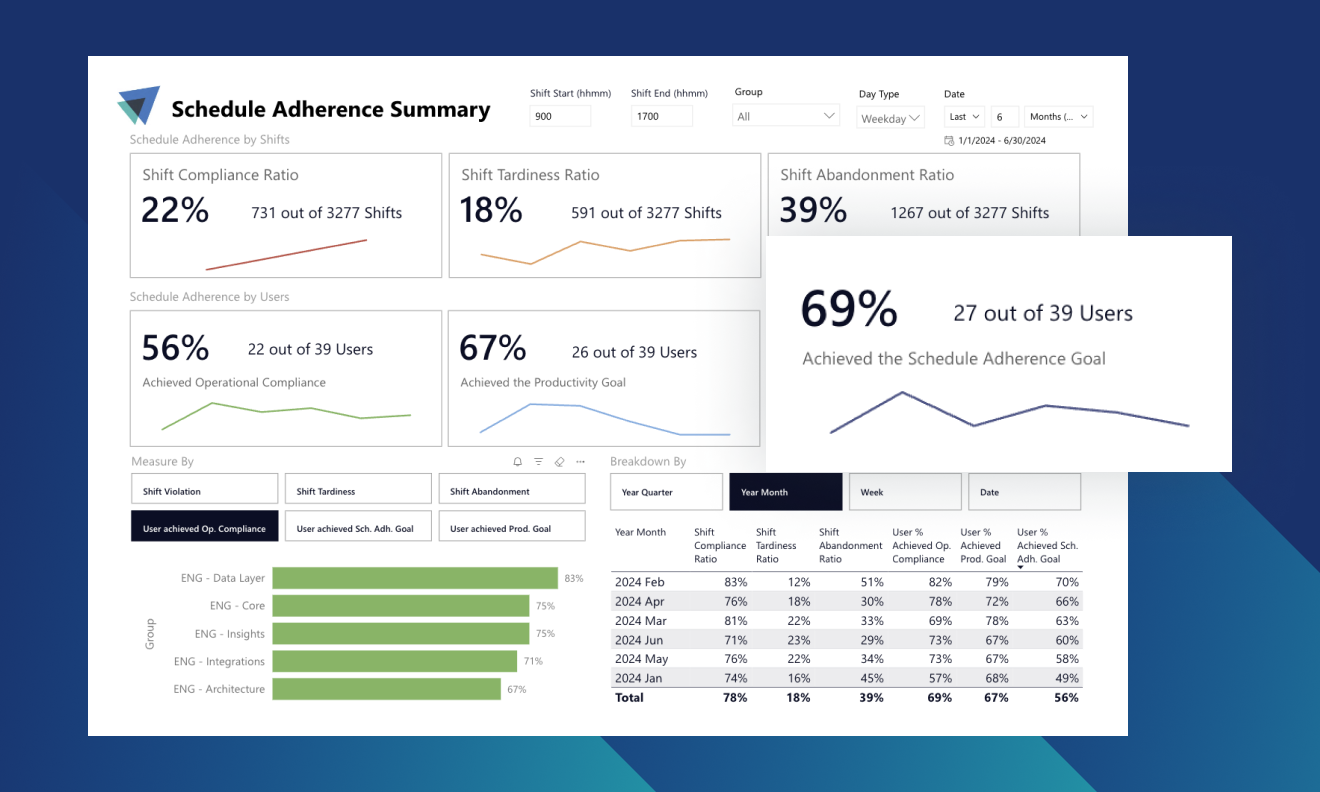
Join our product and services team for a special advanced training session focused on ActivTrak’s reporting and dashboard capabilities. They will guide you through advanced configuration tips to get the most out of alarms and showcase powerful customization options to enhance your productivity monitoring and analysis.
Key topics they cover:
Automated exception reporting
- Learn how to configure work exception reports that highlight employees working specific hours (e.g. less than 6 hours per day), including subscription-based insights
New, out-of-the-box Alarms
See the latest alarms and how to use them to detect:
- The presence of mouse-jiggler technology
- When PII information is accessed, so you’re aware of any breaches right away
- AI tool usage — they may not be compliant with your company’s policy
Advanced reporting showcase
We’ll highlight some of the advanced reports other customers created including:
- Schedule adherence Dashboard, including Return-to-Office (RTO) policy adherence based on location
- Technology and license usage Dashboard
- Additional advanced reporting techniques